 M6
M6M6 support
Most questions about M6 come down to setup, missed days, your data and the partner feature. The answers below follow the app as it works today. If you still need help, use the App Support link on the M6 App Store page, or send feedback through TestFlight while the app is in testing.
Coming soon to iPhone
How do I contact support?
When M6 is on the App Store, open its page and tap App Support. While it is in TestFlight, use the feedback option in TestFlight. The developer is Dzianis Bykhouski. To request deletion of server-side partner data, say so in your message.
Where do I change settings?
Open the Me tab and tap Settings (the gear). It holds your daily task limit, time per day, rest day, Future You tone, notifications, default focus length, language and units, data export and deletion, and legal links.
Frequently asked questions
How do I start my 180 days?
Open M6 and go through setup: describe what should be different in six months, confirm your targets, pick a North Star, set your time and days, and let M6 build the route. Then open Today and do your first three actions.
I missed several days. Do I have to catch up?
No. M6 shows a recovery screen that says what it moved, removed and shifted, and that your North Star is unchanged. You can keep your plan as it was instead.
Can I change the number of actions per day?
Yes. In Settings, set the daily task limit to 3, 4 or 5. You can also add your own action on Today, up to the limit.
How do I move or skip an action?
Open the action and choose Move (tomorrow, Friday, weekend or a date) or Skip. Skip asks what got in the way and records the answer.
Where is my data stored?
Goals, the plan, proofs, reflections, the capsule and photos are stored on your device. Only partner and notification features send anything to the M6 server. See the privacy page.
How do I export or delete my data?
Go to Me, Settings, Data. Export shows everything M6 keeps about you on the device. Delete asks twice, removes your season from the device and, when you are online, removes your partner link, progress pulse and notification token from the server.
How do I stop sharing with my partner?
Open M6 Partner and tap Revoke access. The link is cut and sharing stops. You can also reset what is visible back to private.
Is M6 free and what about purchases?
M6 is in TestFlight and payments are not connected in the current build, so nothing is charged. Days 1 to 7 of a route stay open. Settings has Manage subscription and Restore purchases for when purchases go live.
Which languages and devices does M6 support?
M6 is built for iPhone and has English and Russian interfaces. Choose System default, English or Russian in Settings, Language and units.
Why does M6 ask for the microphone and photos?
The microphone is used only while you dictate an answer, and speech recognition turns it into text, on the device where supported. Photos are used only so you can pick a picture for a reward or a story card, and the picture stays on your device.
Keep exploring
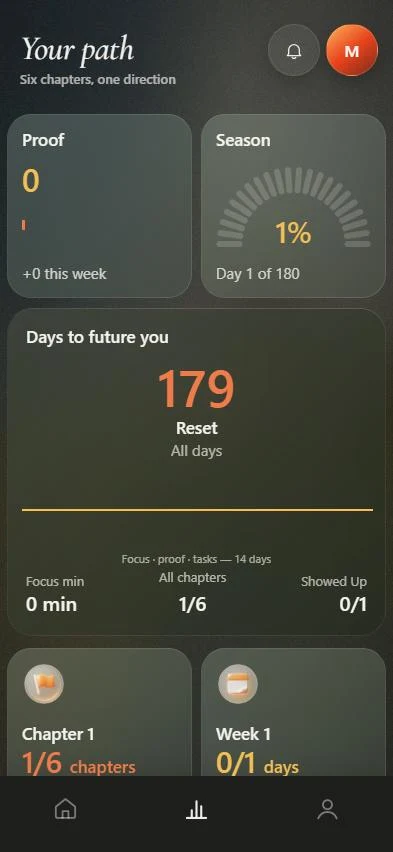 M6 FeaturesThe route, the daily three, proof, focus, capsule and partner.
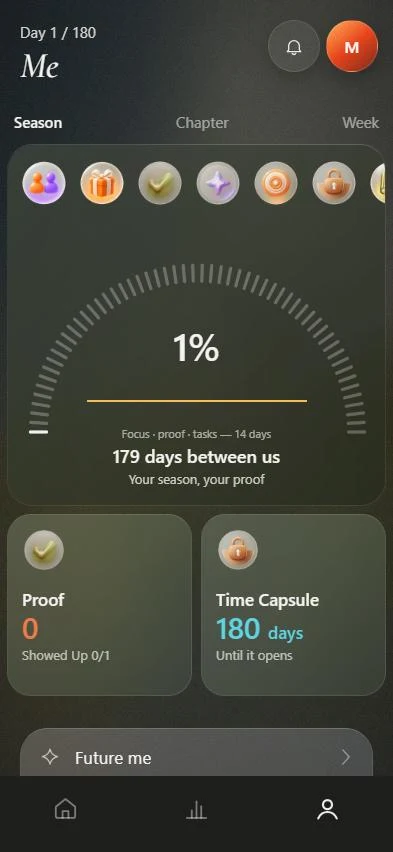 PartnerInvite one person. You choose what they see. Reactions only, no chat.