Everything M6 does for your six months
M6 has one loop and a few tools around it. You set a goal, M6 builds a 180-day route, and each day you do three actions, close the day and add proof. A focus timer, a time capsule and an optional partner support that loop. Each feature below has its own page.
Coming soon to iPhone
What is the core loop?
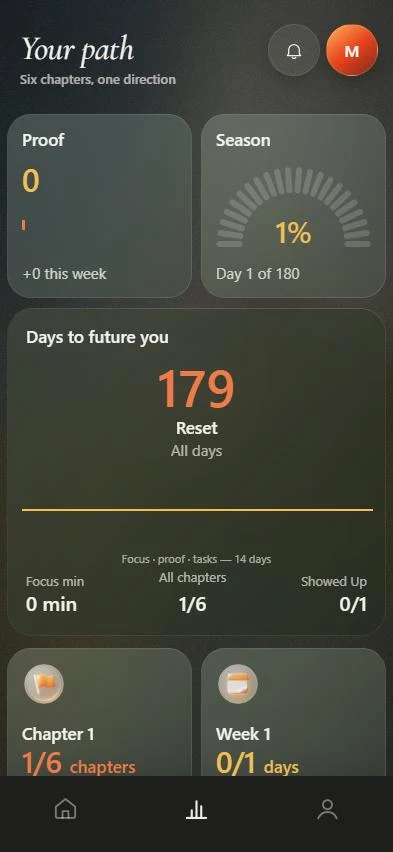
The loop is Future You, Today's 3, Lock In, Proof and Adapt. Each part has a screen in the app, and the table shows where they live.
| Part of the loop | What you do | Where in the app |
|---|---|---|
| Future You | Name the change you want in six months | Onboarding, then Me |
| Today's 3 | Do three actions picked from your route | Today tab |
| Lock In | Run a focus block on one action | Today tab, focus screen |
| Proof | See what you finished, filter and share it | Me tab, My Proof |
| Adapt | Review the week, rebuild after a gap | Weekly review, recovery screen |
Which feature should you read about first?
- Read about the route if you want to know how six chapters and milestones are built.
- Read about Today's 3 if you want to know how the daily actions are chosen.
- Read about proof and the focus timer if you want to see how finished work is saved.
- Read about the time capsule and the partner for the optional parts.
What stays on your device?
Goals, the plan, proof, reflections, the capsule and photos stay on your iPhone, and no account is needed. The server is used only if you invite a partner or turn on notifications. The privacy page lists exactly what it receives.
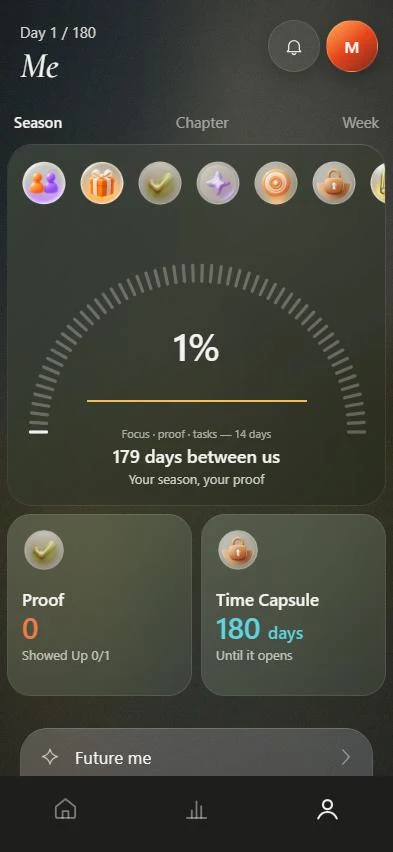 PartnerInvite one person. You choose what they see. Reactions only, no chat.ProofA library of finished actions, focus sessions and milestones.180-day routeSix chapters, milestones with dates, weekly review, rebuild after a gap.Three actions a dayThree actions with a reason and a time. Move, skip, add your own, rest.
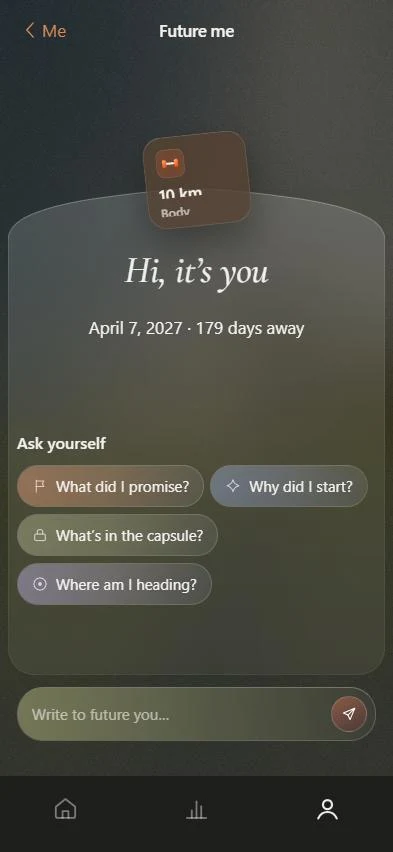 Time capsuleA sealed message to yourself, a reward you choose, your reason for starting.
Frequently asked questions
What does M6 do?
It turns one goal into a 180-day route with six chapters and milestones, and shows three actions each day with a reason for each.
Is the partner feature required?
No. You can invite one partner, choose what they see, and revoke access at any time. Partners send reactions only, with no chat.
What happens if I miss days?
M6 shows a recovery screen, rebuilds the route from today and tells you what it moved or removed. You can keep the plan as it was instead.
Which features are free?
Days 1 to 7 of a route are free. M6 Pro is planned for the full 180 days, and payments are not connected in the current build.
Keep exploring
Time capsuleA sealed message to yourself, a reward you choose, your reason for starting.