 M6
M6Lock In: a focus timer tied to one action
Lock In is the focus timer in M6. You pick one of today's actions, choose a block length or enter your own minutes, and the screen reads "Stay here." You can pause, resume or end early, and the minutes you already did are kept. At the end M6 asks whether the action is done.
Coming soon to iPhone
How do I start a focus session?
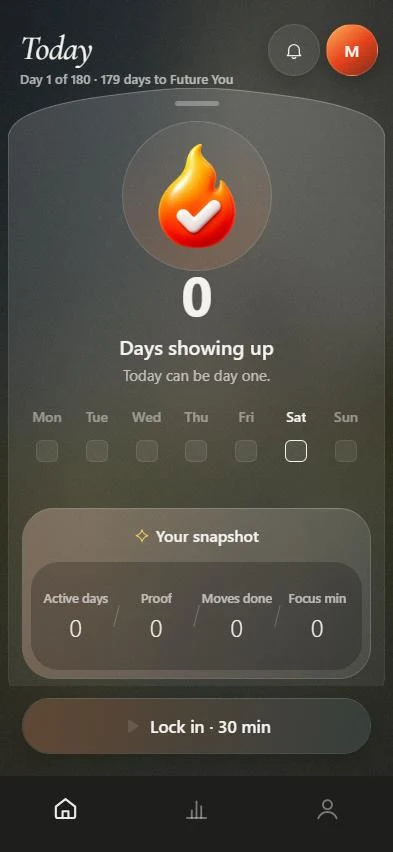
Start from Today, either from the Lock In button at the bottom or from the menu on an action.
- Open Today and choose the action to focus on.
- Tap Lock In and pick a block length, or choose Custom and type minutes.
- Tap Start. The screen shows one thing and the words "Stay here."
- Pause or resume if you need to, and tap Finish when the time is up.
- Answer "Did you finish it?" with Yes or Not yet.
What if I stop early?
Ending a session early asks you to confirm and says "The minutes you already did are kept." Those minutes count toward your focus total and appear in your day summary, for example "25 min Locked In."
What length should I choose?
The block picker offers short, common lengths and a custom field. In Settings you can set a default focus length of 25, 45, 60 or 90 minutes. A block that matches the action's time estimate works best, and a smaller block is better than skipping.
| Length | Good for |
|---|---|
| 25 min | A single small action, for example drafting one page |
| 45 min | A full action with a clear end |
| 60 min | Deep work that needs warm-up time |
| 90 min | A long session with one major target |
What does Future You say during focus?
The wording follows the tone you chose. Supportive says "Stay here. One thing at a time." Direct says "Stay here." Calm says "Just this, for now." Strict says "Do not leave this screen."
Where do my focus minutes go?
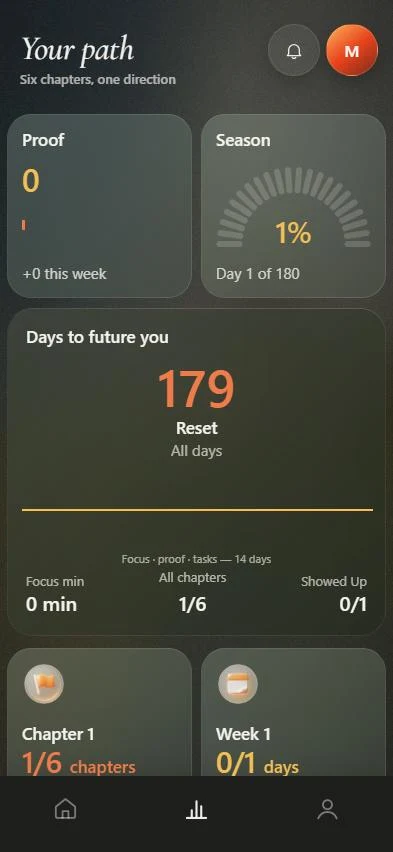
They show on your Today snapshot as Focus min, on the Path tab as time of focus, and in the weekly review as Locked In. If you open it for your partner, focus time is one of the optional items they can see.
How do I use focus blocks in the first week?
Start small. Pick the least appealing of the three actions and lock in for 25 minutes. When the block ends, answer honestly whether it is done. If it is not, that is fine: the minutes count, and the action stays on your list.
Keep the phone on the focus screen and let notifications wait. The point of a block is a short promise you can keep, repeated every day.
Frequently asked questions
Is Lock In a Pomodoro timer?
It is a focus block timer, not a fixed 25 and 5 minute cycle. You choose the length. The Pomodoro Technique is one way to use it, with 25-minute intervals.
Does ending early cost me anything?
No. The minutes you completed are kept and counted.
Can I set a default length?
Yes. Settings has a default focus length of 25, 45, 60 or 90 minutes.