 M6
M6M6 privacy policy
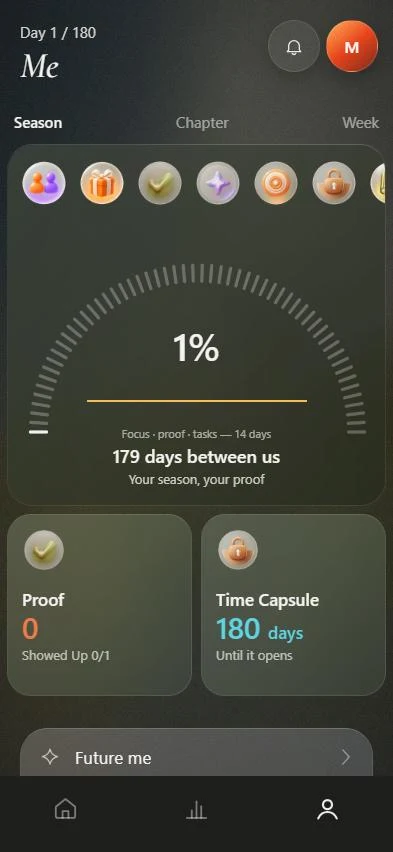
M6 works without an account. Everything you enter, such as goals, plan, proofs, reflections, the time capsule and photos, is stored on your device. The M6 server is used only for the partner feature and notifications. M6 sells no data, shows no ads and passes nothing to advertising networks.
What stays on your device only?
These items live on your iPhone and are not sent to the server:
- Your goals, the 180-day plan, daily tasks and completion marks.
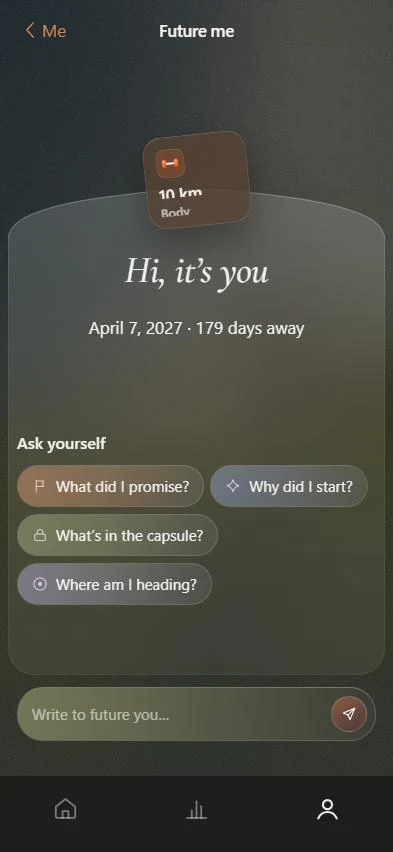
- Proofs, reflections, the time capsule and the letter to your future self.
- Focus minutes and day statistics.
- Photos you pick for a reward or a story card.
- An internal log of interface events. It exists so you can export your data and is never sent anywhere.
What goes to the server, and when?
Only if you use these features yourself.
- Device identifier. The first time you use the partner or notification features, the app creates a random identifier and a random secret and sends them to the server. The secret is stored there only as a hash. The identifier is not tied to your name, to Apple's advertising identifier or to other apps. The server also keeps the display name you chose for your partner and your time zone.
- Your partner. If you invite a partner and open part of your journey, the server receives what you explicitly allowed. By default a partner sees whether you showed up today and your day number. Task titles, goal names, proof count, focus minutes, the weekly summary and metrics open only with separate switches you turn on. Notes, reflection text, income amounts, photos, voice recordings and the time capsule never reach the server. A partner also receives what you send on purpose: a check-in, a reaction, a nudge, and a short message if you wrote one.
- Notifications. If you allow reminders, your device's push token goes to the server.
- Whenever the app contacts the server, the server sees the IP address of the connection. That is part of how networks work.
What is not collected?
There are no third-party analytics or trackers and no advertising identifiers. M6 does not access your contacts, location or health data. The microphone turns on only when you tap to dictate.
How does speech recognition work?
Dictation uses Apple's system speech recognition. If your iPhone can recognize speech on the device for your language, the audio never leaves the phone, and the dictation screen says so. Otherwise iOS performs the recognition and Apple's rules apply. M6 receives neither the audio nor the transcript. The finished text appears only in your own input field. The exception is a voice message in the time capsule, if you record one; it is stored on your device.
What are your rights and controls?
You can export your data in Me, Settings, Data, and delete everything in the same place. Deletion permanently erases the data from your device and, when you are online, your partner link, progress pulse and notification token from the server. You can disconnect your partner at any time, and you can ask the developer to delete server-side data tied to the partnership.
Children and changes
M6 is not intended for children under 13 and does not knowingly collect their data. If this policy changes, the new version will appear on this page with a new date. This page was updated on October 10, 2026.
Where is the policy inside the app?
The app links to its policy from Settings and from the paywall. The policy hosted with the web version is at 130.17.6.15.sslip.io/privacy.html. For questions, use the App Support link on the App Store page or the support page.