 M6
M6Three actions a day, picked from your route
The Today tab in M6 shows exactly three actions, drawn from your 180-day route. Each one has a reason for being there today, a time in minutes and the milestone it supports. You can move an action, skip it with a reason, add your own, or take a rest day. Closing the day asks one question.
Coming soon to iPhone
What does the Today tab show?
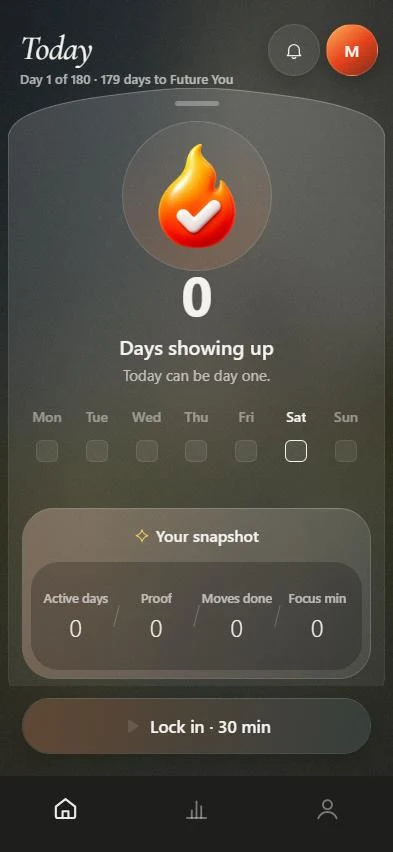
At the top you see the day number and how many days remain until Future You, for example Day 1 of 180 and 179 days to go. Below it sit the three actions for the day, then your snapshot: active days, proof, moves done and focus minutes.
Open an action to see "Why today?", the milestone it connects to and the minutes it should take. A private note field is there if you want to jot something down.
Can I change the three actions?
Yes. Today is a plan you control, and every change keeps the rest of your route consistent.
- Move an action to tomorrow, Friday, the weekend, or a date you pick. M6 adjusts the rest of your week.
- Skip an action and say why: no time, too difficult, not relevant, already done, low energy, or other. M6 treats the answer as data, not failure.
- Add your own action. Actions you add are marked as yours.
- Reset to the M6 plan if you want your own additions removed.
How many actions and how much time per day?
Three is the default. In Settings you can set the daily task limit to 3, 4 or 5, pick a time budget of 20 minutes, 45 minutes, 1 hour or 2 hours, and choose a weekly rest day. During setup you also say how many days a week you want to work, from 3 to 7.
What is a rest day?
A rest day is a day with nothing scheduled. Today says "Recovery is part of the route", and M6 stays silent on your rest day. You can change which weekday it is in Settings.
How does closing the day work?
When the work is done you tap Close day and answer one question: how did today feel? The options are Too much, Hard, Good and Easy, with an optional note. The answer shapes how heavy tomorrow looks, so the plan gets more honest over time.
Does M6 nag me?
Notifications are short and you pick which ones you get: a morning message, a nudge when one action is left, a weekly review, milestone messages and a Future You check-in. The morning text reads "Three moves. That's it." After a gap the message is "No catching up. Start from today."
You also choose the tone of Future You: supportive, direct, calm or strict. The tone changes the wording, never the facts.
What does a good day look like?
Take a goal of running a 10K race. A realistic day of three actions might be:
- Run an easy 3 km, 25 minutes.
- Do a 10-minute mobility routine.
- Log the run and write one line in a private note, 5 minutes.
Frequently asked questions
Why only three actions?
Three is small enough to finish on an ordinary day and large enough to move a six-month goal. The limit can be raised to four or five in Settings.
What happens to an action I skip?
M6 asks what got in the way and records the answer. The route adjusts, and the weekly review uses those answers to rebuild the next week.
Can I write my own actions?
Yes. Add your own action on Today up to your daily limit. M6 marks it as yours and does not rewrite it.
Does the app work offline?
Today keeps working offline and your changes sync when you are back online, according to the app's own offline message.
Keep exploring
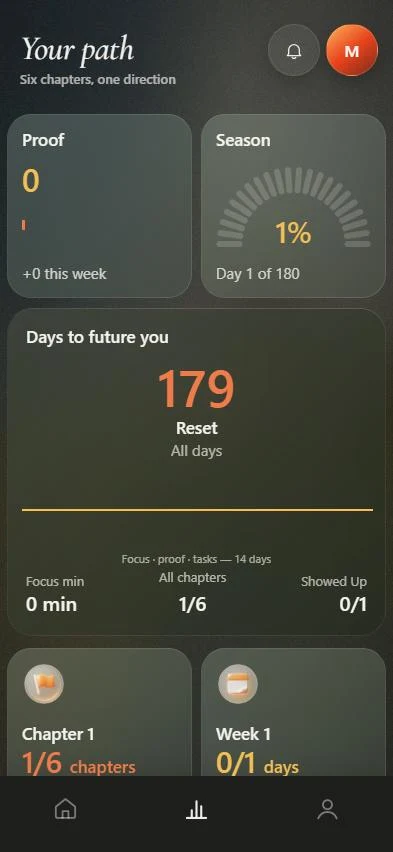 180-day routeSix chapters, milestones with dates, weekly review, rebuild after a gap.Focus timerPick a block, stay on one action, keep the minutes.
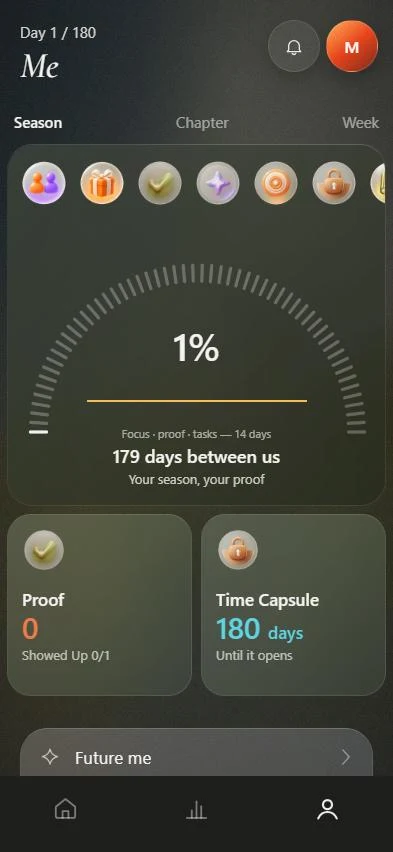 ProofA library of finished actions, focus sessions and milestones.6-month goal planOne outcome, six checkpoints, a small daily routine and a weekly review.SupportFAQ and how to reach support.