Best goal planner apps for iPhone
The best goal planner depends on how you work. Strides tracks many goals and habits with templates. Finch rewards self-care with a pet. Atoms teaches habit science. Structured plans your day on a timeline. M6 takes one goal, builds a 180-day route and gives you three actions each morning.
Coming soon to iPhone
Which goal planner should you pick?
Many habits and goals at once? Strides or Habit Tracker. Gentle, game-like self-care? Finch. Lessons from a book on habits? Atoms. A visual daily timeline? Structured. One big change over six months? M6.
We searched the US App Store for "goal planner", "goal setting" and "habit tracker" on October 10, 2026. Numbers are a snapshot. M6 is the publisher's own app, so its limits are stated plainly below.
Goal planner apps at a glance
| App | Price model (US, Oct 2026) | Approach | US rating |
|---|---|---|---|
| M6 | Free preview of days 1 to 7; Pro planned with yearly and monthly plans, payments not connected yet | One goal, 180-day route, three actions a day | In TestFlight, no rating yet |
| Strides | Free; Strides Plus purchases listed from $4.99 to $149.99 | Habits, SMART goals and 150+ templates | 4.8 from 19,214 ratings |
| Finch | Free; Finch Plus purchases listed from $5.99 to $69.99 | Self-care pet with daily exercises | 4.9 from 761,397 ratings |
| Atoms | Free; Pro $4.99 monthly or $39.99 annual | Habit lessons from Atomic Habits | 4.8 from 10,725 ratings |
| Structured | Free; Pro from $2.99 monthly, lifetime at $99.99 | Visual day timeline and time blocking | 4.8 from 167,268 ratings |
| Productive | Free; Premium listed from $10.99 monthly to $79.99 yearly | Habit tracking, programs, challenges | 4.6 from 91,063 ratings |
| Habit Tracker | Free to download | Habits with Apple Health sync and group habits | 4.8 from 147,760 ratings |
M6: one goal, three actions a day
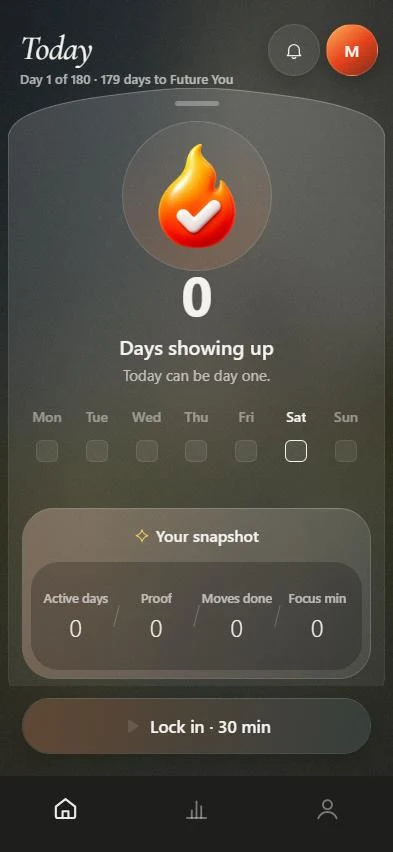
M6 turns what you want to change in six months into a route of six chapters with milestones. Each morning Today shows three actions, each with a reason. Finished actions become proof, a focus timer keeps the minutes, and after missed days the route rebuilds from today. Goals and notes stay on the device, with no account.
Limits: iPhone only, English and Russian, not on the App Store yet, and it follows one goal at a time, so it is no replacement for a tracker of many small habits. Payments are not connected in the current build. See pricing.
Strides, Habit Tracker and Productive: many habits at once
Strides lists 150+ templates and four tracker types (streaks, milestones, averages and targets). Habit Tracker adds Apple Health sync and shared habits with friends. Productive has programs and challenges with other users. All three suit people who track a long list of small daily behaviors. Compare directly in M6 vs Strides.
Finch, Atoms and Structured: different jobs
Finch is a self-care pet that grows as you complete exercises, with the largest rating count here (761,397), and its listing shows one language. Atoms is the official app of Atomic Habits with short lessons. Structured lays your tasks on a visual timeline and lists 28 languages. See M6 vs Finch for a closer look.
Who should pick which?
- Choose Strides, Habit Tracker or Productive to track many habits.
- Choose Finch if a gentle game keeps you going.
- Choose Structured to plan hours, not goals.
- Choose M6 if one change matters for the next six months and you want the day cut down to three actions.
- Install two. Every app here is free to download.
Sources, checked October 10, 2026: the US App Store listings for Strides, Finch, Atoms, Structured, Productive and Habit Tracker.
Frequently asked questions
What is the best goal planner app for iPhone?
For tracking many habits, Strides has 19,214 US ratings. For a pet-based routine, Finch. For one goal over six months, M6, which is still in TestFlight.
Are goal planner apps free?
All seven listed here are free to download. Most sell Pro or Plus plans, so check each listing's in-app purchases.
Which app is best for one big goal?
M6 is built around one goal and a 180-day route. Strides can hold several goals with milestone calendars.
Does M6 need an account?
No. Goals, plan, proof and notes stay on the device unless you invite a partner or turn on notifications.
Is M6 on the App Store?
Not yet. It is in TestFlight for iPhone.
Keep exploring
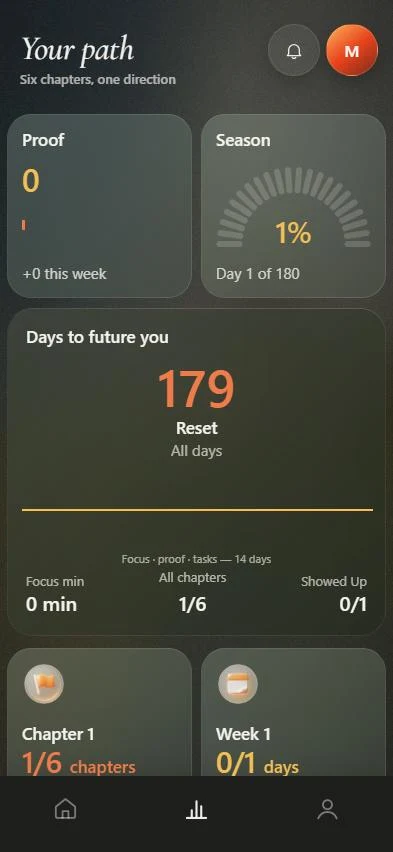 M6 vs StridesStrides tracks many habits and goals. M6 builds one 180-day route and gives you three actions a day.
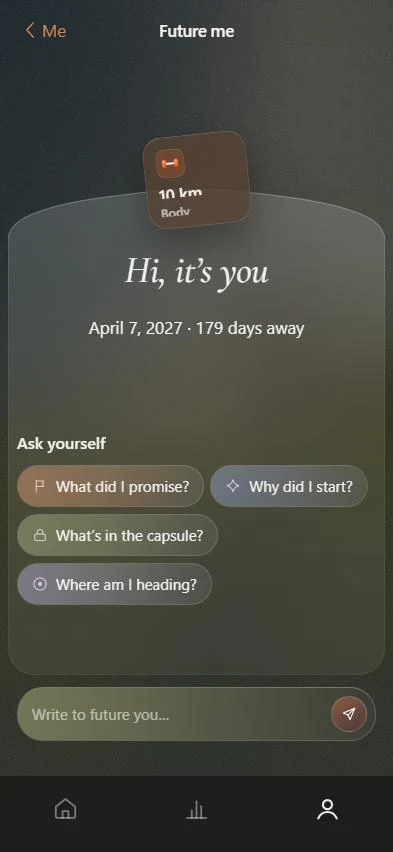 M6 vs FinchFinch rewards self-care with a pet. M6 turns one goal into a 180-day route with three actions a day.Three actions a dayThree actions with a reason and a time. Move, skip, add your own, rest.180-day routeSix chapters, milestones with dates, weekly review, rebuild after a gap.M6 PricingDays 1 to 7 are free. M6 Pro is planned as a yearly plan with a trial and a monthly plan.